Use the d8a.tech web tracker
A drop-in replacement for gtag that keeps your existing tracking implementation working.
Why we built our own tracker Product / First-party tracking
Collect with the d8a.tech tracker, or keep the GA4 script you already have and send its data to d8a.tech instead of Google. Click IDs and IP addresses land in a flat structure you control, the moment each session closes.
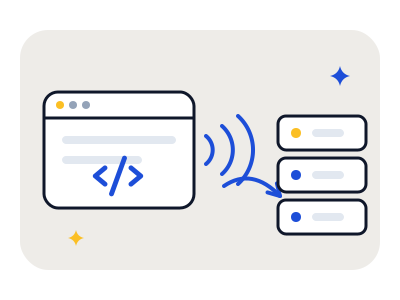
Your tracking
Warehouse-native analytics
Data warehouses
 BigQuery
 ClickHouse
Object storage & files
 S3 / MinIO
 GCS
 CSV / Parquet
Keep your tags. Duplicate hits and GA4 or Matomo keeps working, or redirect them. No re-tagging.
Sessions on the backend. in the d8a.tech cloud or your own infrastructure.
Tables you own. Events and session columns land when each session closes.
Paid-media click IDs tend to get lost in GA4 exports. d8a.tech keeps them as readable fields, written as soon as each session closes, without the data passing through Google.
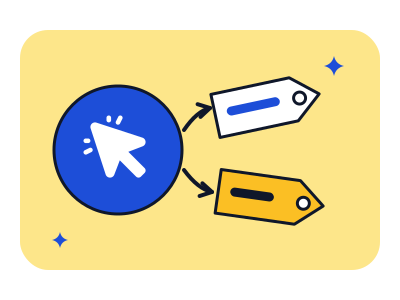
Click IDs and IP addresses are personal data under GDPR. You decide whether to collect them, under your own legal basis and consent setup.
Pick what fits your legal basis and your use case.
Talk to us about your architecture, terms, a partnership or sponsored development. Or start with free Cloud and evaluate it yourself.