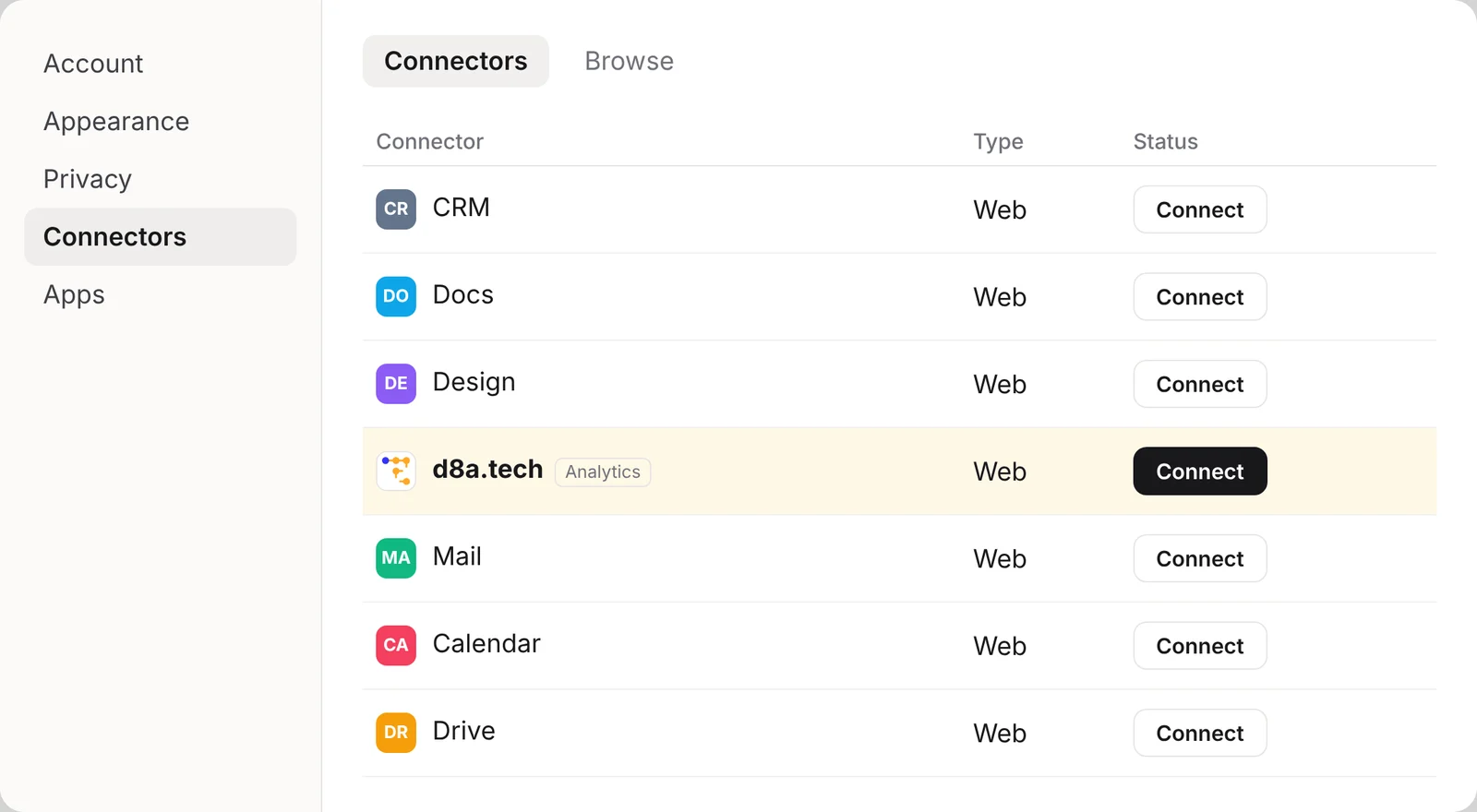
Connect d8a.tech to Claude, ChatGPT or any MCP client. Your team asks about traffic and conversions where it already works, gets a weekly review built from real queries, and your coding agent installs and checks the tracking.
Connect in a minute. Nothing changes without your OK.
Listed for Claude and ChatGPT, and works with any MCP client. It connects with read and write access, and you can switch it to read-only when you sign in or later in the app. It works with data in the d8a.tech cloud; your own warehouse and self-hosted setups aren't supported yet.
A schema agents don't have to guess
Flat tables, sessions built on the backend, and a data dictionary. Agents spend their steps on the answer, not on unnesting.
Tracking installed by your agent
Paste one prompt into Cursor, Claude Code, v0, Bolt or Lovable. The agent adds the tracker and key events, then checks they arrive.
A weekly review, done in chat
Your AI chat reviews the data every week and suggests tasks for your approval. Your agent ships the change; the data shows the result.
Warehouse when you want it
Every session in your own BigQuery or ClickHouse, free up to 30M events a month, for your own models and notebooks.
Changes you approve
With write access your AI chat creates and edits properties, goals, insights, traffic filters and AI context. It shows each change as a preview and saves only what you approve. Collected data can't be changed or deleted.
Add d8a.tech from your chat app's connectors, sign in once, and ask.
How analytics MCP servers compare.
Most analytics MCP servers let an AI read reports. PostHog goes furthest on setup; d8a.tech is the one that shows you each change before it's saved.
Analytics MCP servers compared
Tool
Official server
In Claude
How you connect
Reads reports
Funnels and journeys
Sets things up
Approval before a change
Helps install tracking
d8a.tech
Yes
Connector in Claude's directory
Hosted, sign in from Claude's connector directory (d8a.tech cloud)
Tables, time series, period comparisons, saved insights
Both, with breakdowns
Properties, goals, insights, traffic filters, AI context
Preview first, saved only after you approve; read-only or read and write
Snippets for your property, guides and an audit recipe
Google Analytics 4
Yes (google-analytics-mcp)
Add it yourself
Run it yourself with your Google credentials
Data API reports
No
No, read-only scope
Not applicable
No
Matomo
Yes, MCP Server plugin (2026)
Add it as a custom connector
Cloud, or a plugin on your own instance
Reporting API
Not documented
Optional: goals and segments, if an admin enables them
An admin turns write tools on and caps privileges; no per-change preview
No
PostHog
Yes
Plugin: connector plus skills
Hosted, scoped API key
Insights and SQL queries
Funnels, paths and more
Dashboards, feature flags and more, including deletes
Up to your AI client
AI wizard installs the SDK
Snowplow
Yes, in the CLI
Local CLI only
Local, through snowplow-cli
No, it designs tracking
No
Writes tracking-plan files locally; you publish
You publish with the CLI
Validates tracking plans
Rybbit
Yes
Add it as a custom connector
Hosted or self-hosted, OAuth or API key
Stats, sessions, events, SQL
Funnels
Sites, goals, funnels, members
Scoped API keys limit the tools; no per-change preview documented
Claude and ChatGPT through their connector lists, and any MCP client through app.d8a.tech/mcp. Coding agents use the setup prompt and the agent setup guide.
Can an agent change my data or settings?
Only with write access, which is on by default and can be switched off on the sign-in screen or later in the app, and only after you approve each previewed change. It can set up properties, goals, insights, traffic filters and AI context. It can't change or delete collected data, and account settings stay out of reach.
Does it work with my own warehouse or self-hosted?
Not yet. The chat connector works with data in the d8a.tech cloud (Cloud Dashboard). With your own BigQuery or ClickHouse, point your own AI tools at your tables.